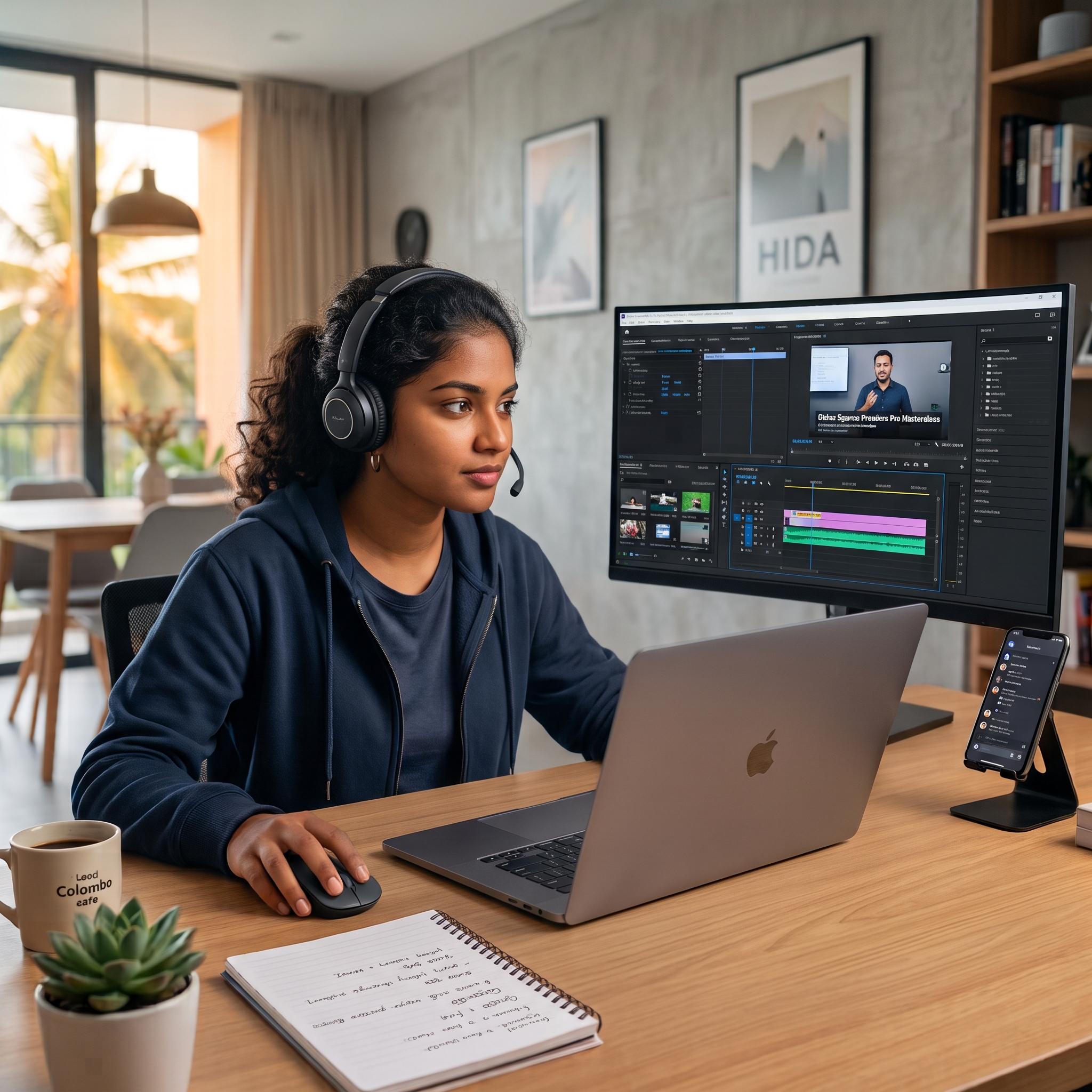
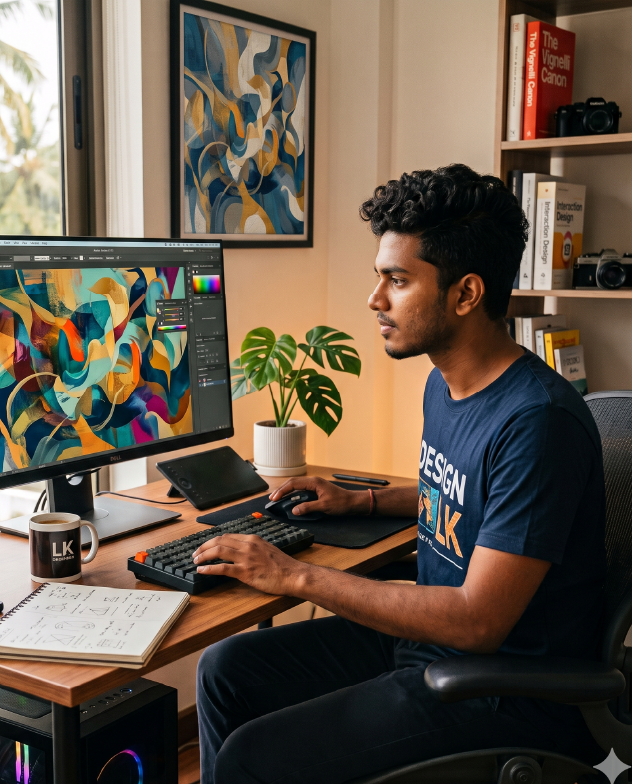
We believe online learning shouldn’t feel like sitting alone watching pre-recorded tutorials. Our online ecosystem is designed to give you the exact same interactive, over-the-shoulder mentorship of a physical studio—with the ultimate flexibility of learning from your own desk.
We don’t just broadcast; we collaborate. All our live classes are hosted on Microsoft Teams. This means HD screen-sharing, crystal-clear audio, and a truly interactive environment. You can unmute to ask questions, drop your project files in the chat, or even share your screen so your mentor can troubleshoot your software workflow in real-time.
The moment you enroll, you get your own private login to our website. Your personal Student Hub is where your entire creative journey lives. No messy email threads or lost Google Drive links—simply log in to:
Power cut? Stuck in traffic? Had to work late? Don’t stress. Every single live Microsoft Teams session is recorded in high definition and uploaded directly to your student portal shortly after the class ends. You will never fall behind.
The digital media industry evolves fast, and your education shouldn’t have an expiration date. When you enroll with us, you receive lifetime access to our Learning Management System (LMS). Whether you want to re-watch a lesson next Tuesday or look up a complex technique three years into your professional career, your portal will always be open to you.
Step 01: Enroll & Unlock
Choose your course and instantly receive your personal website login credentials.
Step 02: Prep Your Workspace
Log into your portal, check your syllabus, and download the starter practice files.
Step 03: Join the Live Studio
Hop onto Microsoft Teams at your scheduled time to learn, ask, and create live.
Step 04: Master at Your Pace
Use your lifetime access to re-watch session recordings whenever you need a refresher.
Elevate your skills through exclusive interactive online training sessions. Experience dedicated personal mentorship from an industry veteran to quickly master professional workflows and achieve success.
Get exclusive tutorials, industry insights, and creative strategies delivered straight to your inbox. No spam—just high quality, actionable resources to help you master the digital arts.
The Hevick Institute of Digital Arts (HIDA) bridges creative passion and frontline technical mastery. Backed by Hevick Studios and two decades of industry experience, we shape the next generation of global digital professionals.
